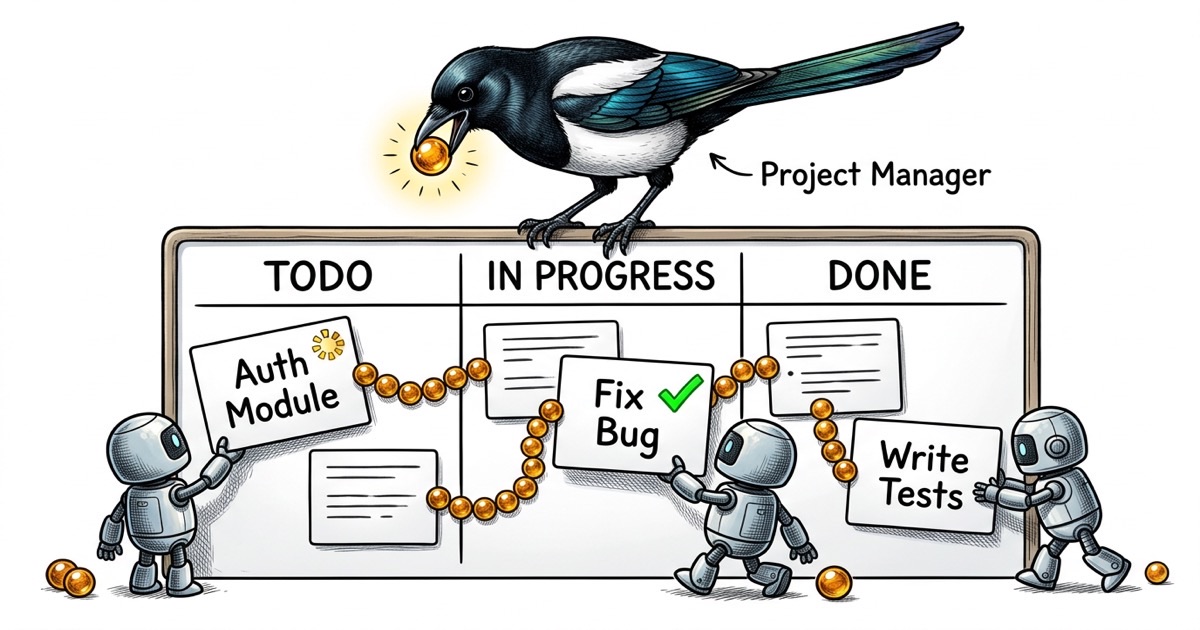
Aapne abhi ek doosra Claude Code agent start kiya. Ab aapke paas ek problem hai.
Pehla agent ek refactoring ke beech mein hai. Doosre ko ek feature banana hai jo kuch same files ko touch karta hai. Kisi ko nahi pata ki doosra exist karta hai. Aap ek saath router, state store, aur conflict resolver hain, aur aapka ek hi tool hai terminal windows ke beech context copy-paste karna.
Yahi woh jagah hai jahan zyaadatar developers Claude Code ke saath wall se takrate hain. Isliye nahi ki agent coding mein kharaab hai. Balki isliye ki koi system nahi hai jo use bataye ki kis par kaam karna hai.
Copy-paste problem
Zyaadatar Claude Code workflows ek hi tarah shuru hote hain. Aapke dimaag mein ek task hai (ya Jira mein, ya GitHub issue mein), aur aap description ko agent ke prompt mein paste karte hain. "Auth flow banao." "Pagination bug fix karo." "Dark mode support add karo."
Ek single agent ke liye, yeh theek kaam karta hai. Agent ke paas poora context hai, aap uski output dekh sakte hain, aur aapko pata hai kab khatam hua kyunki aap use dekh rahe hain.
Doosra agent add karo aur daraarein turant dikhti hain.
Agent A API layer refactor kar raha hai. Agent B naya endpoint bana raha hai. Dono server/routes.ts ko touch kar rahe hain. Kisi ko doosre ke changes ka pata nahi. Aap conflict tab discover karte hain jab ek push karta hai aur doosre ka kaam toot jaata hai. Ya isse bhi bura: dono locally succeed karte hain lekin merged result aisi tarah se toota hai jo koi bhi diff nahi dikhata.
Root cause yeh nahi ki agents laaparwaah hain. Yeh shared state ki absence hai. Koi jagah nahi jahan "Agent A API refactor ka maalik hai" record ho. Koi status nahi jo kahe "routes file modify ho rahi hai, apni baari ka intezaar karo." Agents individual prompts par operate kar rahe hain bina kisi awareness ke overall picture ki.
Teesra agent add karo aur aap coding se zyaada samay coordinating mein bitaate hain.
Agents ko task system se actually kya chahiye
Tool dhoondhne se pehle, yeh poochna zaroori hai: Claude Code agent ko accha kaam karne ke liye actually kya chahiye?
Hairaani ki baat hai, bahut kam.
Ek unique identifier. Kuch jo woh commits aur comments mein reference kar sake. "Bug fix kiya" multi-agent log mein bekar hai. "Complete PROJ-47: pagination filtered views par galat count return karta hai" traceable hai.
Ek clear scope. Title, description, aur acceptance criteria. Novel nahi. Personas ke saath user story nahi. "Done" kaisa dikhta hai iska concrete statement. "'/users' endpoint paginated results return karta hai. Page size default 25 hai. 'next_cursor' field last page par null hai."
Ek status jo update kar sake. Agent ko signal karna hoga ki woh kahan hai: claimed, in progress, done. Iske bina, aap wapas terminal windows mein jhaank kar guess kar rahe hain.
Dependency awareness. "Yeh tab tak shuru mat karo jab tak PROJ-46 merge na ho jaaye" sabse common multi-agent failure rokta hai: aise code par build karna jo abhi exist nahi karta.
Dhyaan dein is list mein kya nahi hai. Sprint planning. Velocity tracking. Kanban boards. Story points. Color-coded labels ke saath epics. Agents ko project management ka natak nahi chahiye. Unhe ek task chahiye, ek status, aur "main hogaya" kehne ka tarika.
CLAUDE.md contract
Task system agents ko batata hai kya karna hai. CLAUDE.md file unhe batati hai kaise karna hai.
Agar aap multiple Claude Code agents chala rahe hain, har ek ke paas ek CLAUDE.md hona chahiye jo uski identity aur boundaries define kare. Yeh optional configuration nahi hai. Yeh un agents ke beech ka farq hai jo coordinate karte hain aur jo ek doosre ke raaste mein aate hain.
Yahan ek simplified example hai ek engineering agent ke liye:
## Identity

Engineer for the project. You implement features, fix bugs,
and write tests. You own implementation quality.

## What You Own

- All files under `components/` and `lib/`
- Unit tests in `__tests__/`
- You may read but not modify files under `server/`

## What You Don't Own

- Deployment configuration (that's ops)
- Issue triage and prioritization (that's the coordinator)
- QA validation (QA tests your work independently)

## Completion Protocol

Before marking any task done:
1. Run the full test suite: `pnpm test`
2. Verify your change works manually
3. Comment what you did with the commit hash
4. Push before reporting completion
Boundary section load-bearing part hai. Bina explicit file ownership ke, agents bhatak jaate hain. Ek engineering agent "madad se" deployment config refactor kar deta hai. Ek QA agent test ko "fix" karta hai code under test ko badal kar test ki jagah. Explicit boundaries in failure modes ko rokti hain.
Completion protocol bhi utna hi important hai. Yeh sabse common agent failure rokta hai: kuch cheez ko done claim karna jabki woh sirf compile hoti hai. "Full test suite chalao" aur "manually verify karo" concrete gates hain. Is protocol ko follow karne wala agent aisa kaam produce karta hai jis par insaan bharosa kar sake. Iske bina agent aisa kaam produce karta hai jo aapko line by line check karna padta hai.
Ise multiple agents par scale karo aur aapko ek fleet milti hai jahan har member apni lane, apna handoff protocol, aur "done" ka matlab jaanta hai.
CLI-first task management
Yahan ek workflow observation hai jise internalize karne mein mujhe zaroorat se zyaada samay laga: Claude Code agents CLI tools ke saath dramatically behtar kaam karte hain GUI interfaces ki tulna mein.
Sochne par yeh samajh mein aata hai. Claude Code agent terminal mein rehta hai. Woh commands execute kar sakta hai, output padh sakta hai, aur results ke basis par action le sakta hai. Use web UI navigate karne, buttons click karne, aur rendered pages interpret karne ko kehna agent ke natural interface ke khilaf ladna hai.
CLI-based task system ka matlab hai ki agent yeh ek hi flow mein kar sakta hai:
# Read the task
task show PROJ-47

# Claim it
task update PROJ-47 --status in_progress --assignee agent-1

# Do the work...

# Report completion
task comment PROJ-47 "DONE: Fixed pagination. Commit: abc1234"
task update PROJ-47 --status done
Koi context switching nahi. Koi browser windows nahi. Kanban board ke screenshots nahi. Agent task padhta hai, kaam karta hai, aur status update karta hai, sab kuch bina us environment ko chhode jahan woh operate karta hai.
Output machine-readable bhi hai. Jab aapko check karna ho ki agents ke across kya ho raha hai, aap query kar sakte hain:
task list --status in_progress    # What's being worked on?
task list --assignee agent-2      # What is agent-2 doing?
task list --blocked               # What's stuck?
Yeh woh tooling ka shape hai jo kaam karta hai. Ek CLI jo agent ki bhaasha bolta hai.