Editor's note (2026-09 update): This post describes the real-time pipeline as it worked before v0.25. Beadbox no longer runs a WebSocket server — the app opens no network listener at all. Change events now travel over kkrpc on the sidecar's stderr. What you see as a user is unchanged: CLI writes still appear in the UI without a refresh. Only the mechanism moved. Any update-speed figures in this post are withdrawn too: how fast a change appears depends on the platform, and we no longer quote a number. The developer who types "add user authentication" into Claude Code gets a different result every time. Maybe it's JWT. Maybe it's session cookies. Maybe it's a full OAuth2 flow with refresh tokens and PKCE. The agent doesn't know what you want because you haven't told it. You told it a direction, not a destination.
The developers I see getting consistent, shippable output from Claude Code share one habit: they write a spec before they hand work to the agent. Not a novel. Not a Jira ticket with three sentences of context. A concrete document that defines what "done" looks like before anyone writes a line of code.
This isn't new wisdom. Spec-first development predates AI by decades. But with agents, the cost of skipping the spec is higher and the payoff of writing one is larger. A human developer can stop mid-implementation and ask "wait, did you mean password auth or SSO?" An agent will pick one silently and keep going. By the time you notice, it's built the wrong thing, and you've spent 20 minutes reviewing code that needs to be thrown away.
This article walks through the spec-driven lifecycle I use with Claude Code every day: how to write specs that agents can execute against, the plan-before-code checkpoint that catches misunderstandings early, and a verification protocol that's more rigorous than "it compiles."
Why "Just Build It" Fails with Agents
Let's be specific about the failure mode. When you give Claude Code a vague instruction, three things go wrong:
Silent assumptions. The agent fills in every gap in your spec with its own assumptions. Sometimes those assumptions are reasonable. Sometimes they're not. You won't know which category you're in until you read the output. With vague instructions, you're reading the output more carefully than you would have spent writing a spec.
Non-reproducible results. Run the same vague prompt twice and you get two different implementations. Not just different variable names or formatting. Different architectural decisions. Different libraries. Different error handling strategies. If you can't reproduce the output, you can't build a reliable process around it.
Review becomes the bottleneck. When the agent makes all the decisions, you have to verify all the decisions. A 400-line diff where you understand every choice takes 5 minutes to review. A 400-line diff where the agent chose the database schema, the API shape, the error codes, and the validation logic takes 30 minutes because you're reverse-engineering the spec from the implementation.
The fix isn't better prompts. It's front-loading the decisions that matter into a document the agent can execute against.
The Spec-Driven Lifecycle
The workflow has five phases. Each one has a clear entry condition and a clear exit condition.
Phase 1: Brainstorm. You explore the problem space. What are the constraints? What approaches exist? What have you tried before? This is where you think out loud, either on your own or with Claude Code in conversational mode. The exit condition is: you have a preferred approach and understand the tradeoffs.
Phase 2: Review. You pressure-test the approach. What could go wrong? What edge cases exist? Does this conflict with anything already in the codebase? If you're working with multiple agents, this is where an architecture agent or a second opinion is valuable. The exit condition is: you're confident the approach is sound.
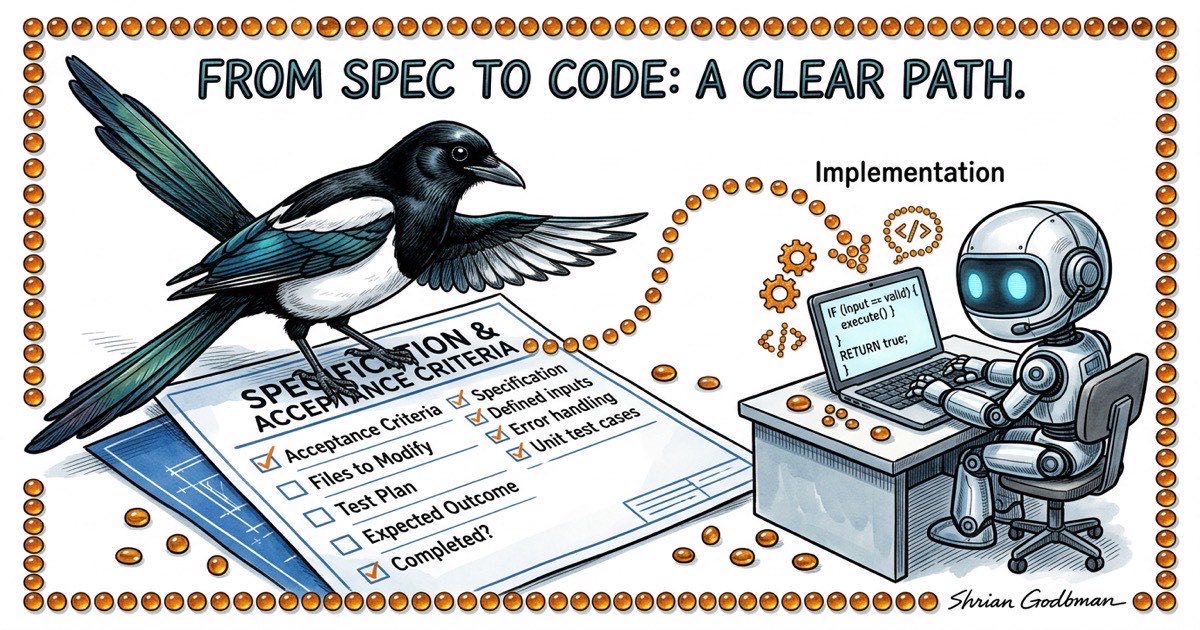
Phase 3: Spec. You write down what you decided. Problem statement, proposed approach, files to modify, acceptance criteria that can be mechanically verified, and a test plan. This is the contract. The exit condition is: someone (human or agent) could read this spec and know exactly what to build and how to verify it.
Phase 4: Implement. The agent executes against the spec. Not against a vague idea. Against a concrete document with testable criteria. The exit condition is: the agent claims it's done and has posted verification evidence.
Phase 5: Verify. You (or a QA agent) confirm the implementation matches the spec. Not "does it look right" but "does it satisfy each acceptance criterion." The exit condition is: every criterion is checked, and the ones that fail get sent back to Phase 4.
The key insight: phases 1-3 are cheap. They take 10-20 minutes for a medium-sized feature. Phase 4 takes however long the implementation takes. Phase 5 takes 5-10 minutes. Skipping phases 1-3 doesn't save 10-20 minutes. It costs you the time to review, debug, and redo work that went in the wrong direction.
What a Good Agent Spec Looks Like
Here's a real spec template. Not a user story. Not a product requirements doc. A working document that tells an agent exactly what to build.
## Problem
The filter bar resets when switching workspaces. Users lose their
filter state and have to re-apply filters every time they switch.

## Approach
Persist filter state per-workspace in localStorage. Key the stored
state by workspace database path so filters don't bleed across
workspaces.

## Files to Modify
- lib/local-storage.ts: Add getWorkspaceFilters / setWorkspaceFilters
- components/filter-bar.tsx: Read initial state from localStorage,
  write on every change
- hooks/use-workspace.ts: Trigger filter restore on workspace switch

## Acceptance Criteria
1. Select workspace A, set filters to status=open + type=bug
2. Switch to workspace B. Filters reset to defaults.
3. Switch back to workspace A. Filters restore to status=open + type=bug.
4. Close the browser tab, reopen. Filters for the active workspace
   are still applied.
5. bd list --status=open --type=bug output matches the filtered table.

## Out of Scope
- Server-side filter persistence
- Filter presets / saved filter combinations
- URL-based filter state (query params)

## Test Plan
- Unit test: getWorkspaceFilters returns stored value for matching
  workspace path
- Unit test: setWorkspaceFilters writes correct key format
- Manual test: steps 1-5 from acceptance criteria above
Notice what this spec does and doesn't contain. It doesn't explain how localStorage works. Claude Code knows that. It doesn't justify why we chose localStorage over URL params. That happened in the brainstorm phase. It does list every file the agent should touch, which means if the agent starts modifying files outside this list, that's a red flag. It does include an out-of-scope section, which prevents the agent from gold-plating.
The acceptance criteria are the most important part. Each one is a concrete action with an observable outcome. Not "filters should persist." That's ambiguous. "Switch to workspace A, verify filters are status=open + type=bug" is testable. An agent can execute that. A QA reviewer can verify it.
The Plan-Before-Code Pattern
Here's a protocol that catches the majority of implementation mistakes before they become code: require the agent to post its implementation plan before writing anything.
In practice, this looks like a structured comment on the task. Before the agent opens any file, it writes out exactly what it intends to do.
PLAN: Persist filter state per-workspace using localStorage.

1. Add workspace-scoped storage helpers to lib/local-storage.ts:
   - getWorkspaceFilters(dbPath: string): FilterState | null
   - setWorkspaceFilters(dbPath: string, filters: FilterState): void
   - Key format: "beadbox:filters:{dbPath}"

2. Update components/filter-bar.tsx:
   - On mount, read stored filters for current workspace
   - On every filter change, write to localStorage
   - Accept databasePath as prop (currently not passed)

3. Update hooks/use-workspace.ts:
   - On workspace switch, emit event that filter-bar listens for
   - Filter-bar reads new workspace's stored filters on event

4. Threading databasePath:
   - filter-bar needs databasePath from the workspace context
   - Will add it to the WorkspaceProvider context value

Files: lib/local-storage.ts, components/filter-bar.tsx,
       hooks/use-workspace.ts, components/workspace-provider.tsx

Test: Unit tests for storage helpers, manual test of all 5
acceptance criteria.
This takes the agent about 30 seconds to produce. It takes you about 2 minutes to read. And in those 2 minutes, you can catch problems that would take 20 minutes to fix after implementation:
- Is the agent touching files outside the spec? (Adding workspace-provider.tsx wasn't in the spec. Is that OK or is it scope creep?)
- Does the approach make sense? (Using an event emitter for workspace switches might be overengineered. A simpler prop change might work.)
- Are there missing steps? (What about cleaning up stale localStorage entries when a workspace is removed?)
The plan is a checkpoint. If it looks right, tell the agent to proceed. If it looks wrong, correct the plan. Either way, you've spent 2 minutes instead of 20.