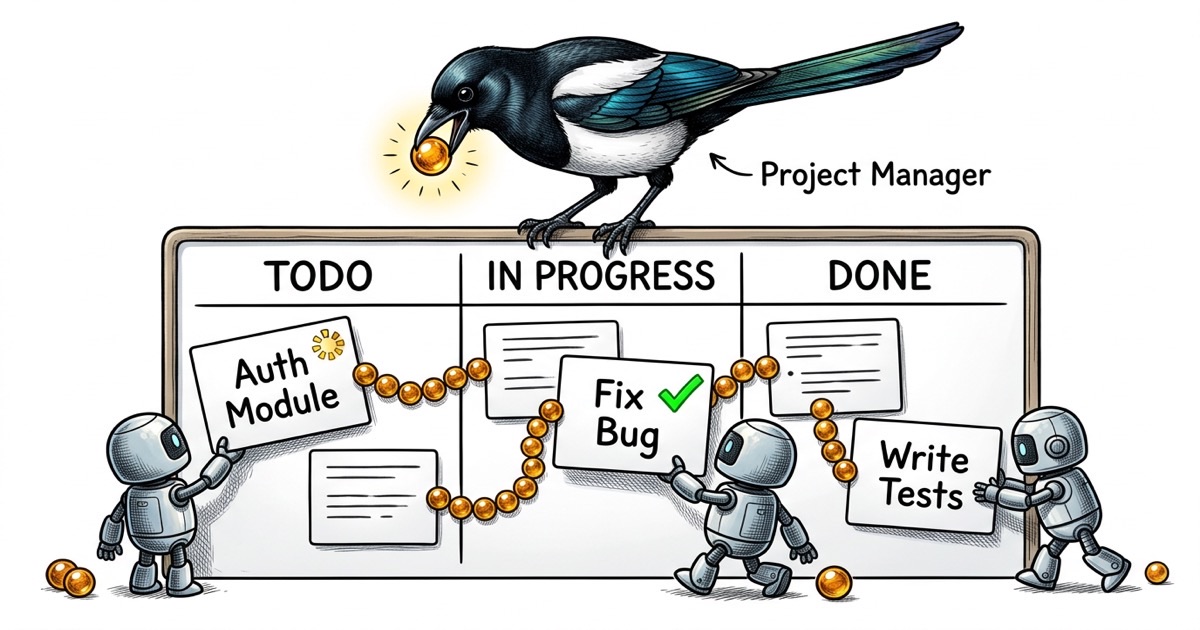
You just spun up a second Claude Code agent. Now you have a problem.
The first agent is halfway through a refactor. The second one needs to build a feature that touches some of the same files. Neither knows the other exists. You're the router, the state store, and the conflict resolver, all at once, and your only tool is copy-pasting context between terminal windows.
This is where most developers hit the wall with Claude Code. Not because the agent is bad at coding. Because there's no system for telling it what to work on.
The copy-paste problem
Most Claude Code workflows start the same way. You have a task in your head (or in Jira, or in a GitHub issue), and you paste the description into the agent's prompt. "Build an auth flow." "Fix the pagination bug." "Add dark mode support."
For a single agent, this works fine. The agent has the full context, you can watch its output, and you know when it's done because you're staring at it.
Add a second agent and the cracks appear immediately.
Agent A is refactoring the API layer. Agent B is building a new endpoint. Both are touching server/routes.ts. Neither knows about the other's changes. You discover the conflict when one of them pushes and the other's work breaks. Or worse, they both succeed locally but the merged result is broken in ways neither diff reveals.
The root cause isn't agents being sloppy. It's the absence of shared state. There's no place where "Agent A owns the API refactor" is recorded. There's no status that says "the routes file is being modified, wait your turn." The agents are operating on individual prompts with zero awareness of the larger picture.
Add a third agent and you're spending more time coordinating than coding.
What agents actually need from a task system
Before reaching for a tool, it's worth asking: what does a Claude Code agent actually need to do good work?
It needs surprisingly little.
A unique identifier. Something it can reference in commits and comments. "Fixed the bug" is useless in a multi-agent log. "Completed PROJ-47: pagination returns wrong count on filtered views" is traceable.
A clear scope. Title, description, and acceptance criteria. Not a novel. Not a user story with personas. A concrete statement of what done looks like. "The /users endpoint returns paginated results. Page size defaults to 25. The next_cursor field is null on the last page."
A status it can update. The agent needs to signal where it is: claimed, in progress, done. Without this, you're back to peeking at terminal windows and guessing.
Dependency awareness. "Don't start this until PROJ-46 is merged" prevents the most common multi-agent failure: building on code that doesn't exist yet.
Notice what's missing from this list. Sprint planning. Velocity tracking. Kanban boards. Story points. Epics with color-coded labels. Agents don't need project management theater. They need a task, a status, and a way to say "I'm done."
The CLAUDE.md contract
The task system tells agents what to work on. The CLAUDE.md file tells them how to work.
If you're running multiple Claude Code agents, each one should have a CLAUDE.md that defines its identity and boundaries. This isn't optional configuration. It's the difference between agents that coordinate and agents that step on each other.
Here's a stripped-down example for an engineering agent:
## Identity

Engineer for the project. You implement features, fix bugs,
and write tests. You own implementation quality.

## What You Own

- All files under `components/` and `lib/`
- Unit tests in `__tests__/`
- You may read but not modify files under `server/`

## What You Don't Own

- Deployment configuration (that's ops)
- Issue triage and prioritization (that's the coordinator)
- QA validation (QA tests your work independently)

## Completion Protocol

Before marking any task done:
1. Run the full test suite: `pnpm test`
2. Verify your change works manually
3. Comment what you did with the commit hash
4. Push before reporting completion
The boundary section is the load-bearing part. Without explicit file ownership, agents wander. An engineering agent "helpfully" refactors the deployment config. A QA agent "fixes" a test by changing the code under test instead of the test itself. Explicit boundaries prevent these failure modes.
The completion protocol matters just as much. It prevents the most common agent failure: claiming something is done when it merely compiles. "Run the full test suite" and "verify manually" are concrete gates. An agent that follows this protocol produces work a human can trust. An agent without it produces work you have to double-check line by line.
Scale this across multiple agents and you get a fleet where each member knows its lane, its handoff protocol, and what "done" means.
CLI-first task management
Here's a workflow observation that took me longer to internalize than it should have: Claude Code agents work dramatically better with CLI tools than with GUI interfaces.
This makes sense when you think about it. A Claude Code agent lives in the terminal. It can run commands, read output, and take actions based on results. Asking it to navigate a web UI, click buttons, and interpret rendered pages is fighting the agent's natural interface.
A CLI-based task system means the agent can do this in a single flow:
# Read the task
task show PROJ-47

# Claim it
task update PROJ-47 --status in_progress --assignee agent-1

# Do the work...

# Report completion
task comment PROJ-47 "DONE: Fixed pagination. Commit: abc1234"
task update PROJ-47 --status done
No context switching. No browser windows. No screenshots of a Kanban board. The agent reads a task, does the work, and updates the status, all without leaving the environment where it operates.
The output is machine-readable too. When you need to check what's happening across agents, you can query:
task list --status in_progress    # What's being worked on?
task list --assignee agent-2      # What is agent-2 doing?
task list --blocked               # What's stuck?
There's a subtler benefit too. CLI output becomes part of the agent's context. When an agent runs task show PROJ-47 and sees the description, acceptance criteria, and dependency list in its terminal, that information is now in the conversation history. The agent can reference it, reason about it, and check its work against it. A GUI doesn't give you that. The information exists on a screen the agent can't see.
This is the shape of the tooling that works. A CLI that speaks the agent's language.